A Practical Guide to Inclusive UX Research: How to Plan and Execute Accessible Studies
Introduction
Great user experience (UX) research is the foundation of exceptional products. It removes guesswork from design and helps solve problems before they escalate. To maximize effectiveness, research must be inclusive—testing with users who have diverse abilities and needs, then using their feedback to build products that work for everyone. This guide walks you through planning and executing accessible UX research, drawing on proven strategies to ensure your studies are both inclusive and impactful.
What You Need
- Basic UX Research Knowledge: Familiarity with common research methods (e.g., usability testing, interviews, surveys).
- Open Mindset: Willingness to challenge assumptions about disability and inclusion.
- Budget and Resources: Funds for participant recruitment, assistive technologies, and possibly remote testing tools.
- Accessible Tools: Screen readers (e.g., VoiceOver, NVDA), magnification software, captioning services, and accessible survey platforms.
- Time for Preparation: Extra time to plan sessions that accommodate various access needs.
- Supportive Team: Colleagues who understand the value of inclusive research.
Step-by-Step Guide to Accessible UX Research
Step 1: Understand the Importance of Inclusive Research
Inclusive UX research isn’t just compliance—it’s a strategic advantage. When you include participants with disabilities, you uncover pain points that affect a broad user base. This step lays the foundation: read about disability models (e.g., social model vs. medical model), review accessibility guidelines (WCAG), and learn from real-world case studies. Acknowledge that “getting it wrong” is a fear many researchers have, but this guide will help you avoid common pitfalls.
Step 2: Recognize and Mitigate Your Biases
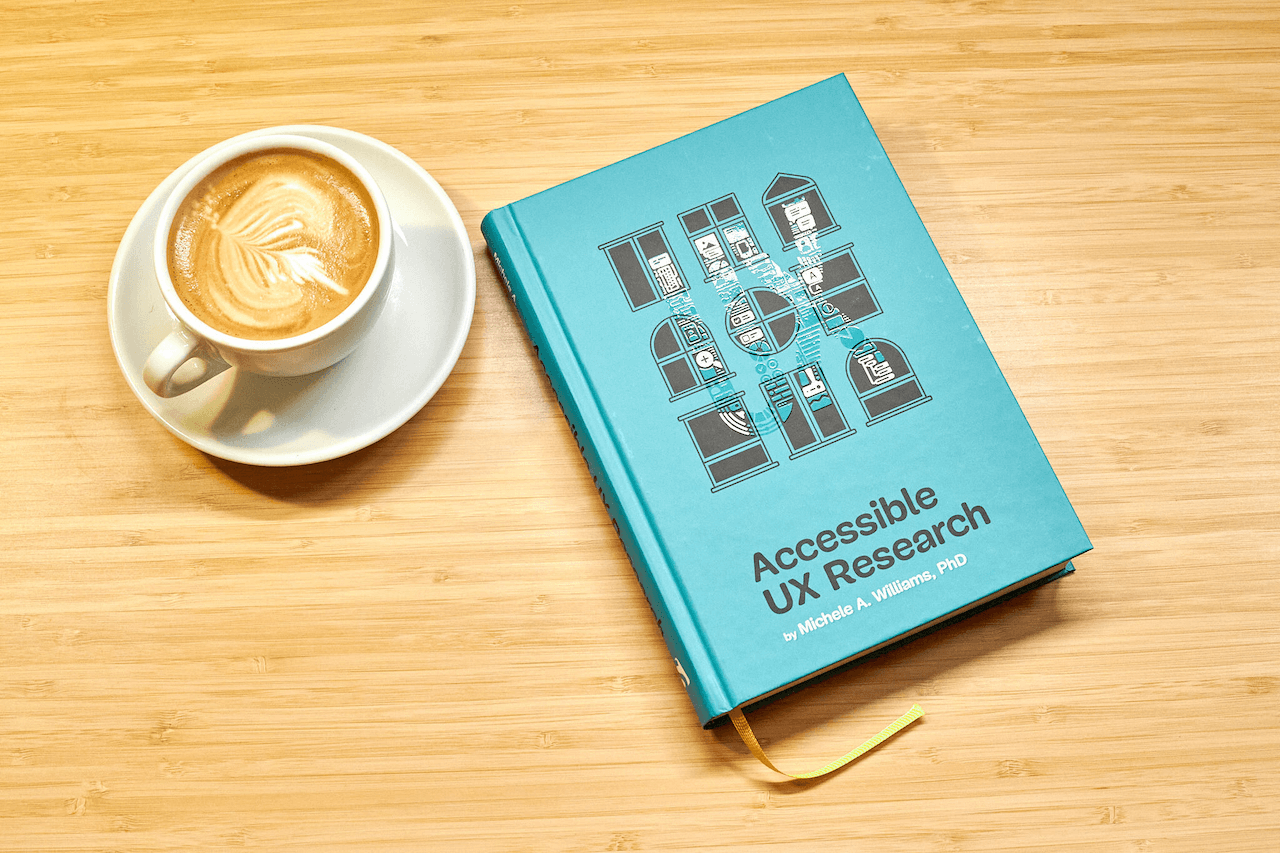
Unconscious bias can skew research results. Before recruiting, reflect on your assumptions about disability. For instance, avoid stereotyping what a “disabled user” looks like. Use techniques like the Inclusion Checklist (e.g., from the book Accessible UX Research) to audit your methods. See Tips section for more on bias mitigation.
Step 3: Recruit Participants with Disabilities
Recruitment is often the hardest part. Partner with disability organizations, use accessible recruitment ads (plain language, screen-reader friendly), and offer multiple sign-up methods (email, phone, online form). Be transparent about what the study involves and what accommodations you provide. Aim for diversity in disabilities, not just one type. Tip: Over-recruit to account for potential cancellations due to health needs.
Step 4: Plan Your Research with Accessibility in Mind
From the start, design your research to be inclusive. Choose a location (physical or virtual) that is accessible—avoid stairs, ensure good lighting, and provide adjustable tables. For remote studies, verify that your platform works with assistive technologies (e.g., keyboard navigation, screen reader compatibility). Create a session guide that includes time for breaks and flexible pacing. Pro tip: Send participants a pre-session questionnaire to ask about specific needs.
Step 5: Choose Inclusive Methods and Tools
Not all UX methods are created equal. Opt for moderated usability testing over unmoderated when possible, as it allows real-time adjustments. Use tools that are WCAG-compliant. For surveys, ensure they work with screen readers and offer alternative formats (e.g., text-only, large print). Include participants in method selection by asking what format works best for them.
Step 6: Facilitate Sessions for Diverse Abilities
During sessions, be flexible and patient. Speak clearly, describe visual elements, and avoid phrases like “look at this.” Allow participants to use their own assistive devices. If someone uses a screen reader, narrate your actions. Keep sessions shorter (30-45 minutes) to avoid fatigue. Use active listening to ensure you capture feedback accurately. For non-verbal participants, provide alternative communication methods (e.g., text chat, sign language interpreter).
Step 7: Ask Better Questions
Phrase questions neutrally to avoid leading participants. Instead of “Isn’t this button easy to find?” ask “How would you go about finding the next action?” Use open-ended questions to encourage rich feedback. Avoid assuming a participant’s abilities—let their behavior speak. Example: “Can you describe your experience using this feature?” rather than “Did you have trouble?”
Step 8: Analyze and Share Results with Impact
When analyzing data, consider how disability affects interpretation. Group insights by accessibility themes (e.g., navigation, clarity, feedback). Share findings with your team using accessible formats (e.g., text summaries alongside visuals, captioned videos). Emphasize the “why” behind each suggestion—link issues to real user struggles. This builds team buy-in and moves beyond compliance toward true inclusion.
Tips for Success
- Start small: Pilot your first inclusive study with a few participants to build confidence.
- Compensate fairly: Recognize that participants with disabilities may incur extra costs (travel, caregiving). Offer higher compensation.
- Document accommodations: Keep a log of what you provided—this helps in future studies and shows respect.
- Learn continuously: Accessibility best practices evolve. Follow experts like Dr. Michele Williams and join communities (e.g., A11yUX).
- Celebrate small wins: Each inclusive study improves your product and your team’s culture.
Remember, inclusive UX research is not a checklist. It’s a mindset that leads to better products for everyone. As Dr. Michele Williams writes in Accessible UX Research, “Let’s move beyond compliance and start doing research that reflects the full diversity of your users.” Start your journey today.
Related Articles
- The Anti-Aging Power of Travel: A Science-Backed Guide to Living Longer
- Thor: 15 Years Later – How Marvel’s First God of Thunder Film Remains the Gold Standard
- Mapping Martian Ice with Drone-Mounted Radar: A Step-by-Step Guide to Subsurface Water Detection
- Preserving Team Culture in the Age of AI: A Guide to Avoiding the Hidden Costs of Efficiency
- MTG Designer Reveals Hidden Gem: This Final Fantasy Commander Could Dominate
- The Growing Teacher Exodus: Understanding Why Educators Are Leaving and What Schools Can Do
- Unlocking the Brain's Cleanup Crew: A Guide to Enhancing Sox9 for Alzheimer's Defense
- The Gentlemen RaaS Surpasses 320 Victims as SystemBC Botnet Reveals Corporate Focus